Please check out this quick recording to learn how to assign or reassign alumni and alum advisor in Gradforce. This is an important step if you are a new alumni advisor, as it ensures you will receive updates and notifications for your students! You can also follow the steps below:
Key Steps
Step 1: Navigate to Contacts Tab 0:00
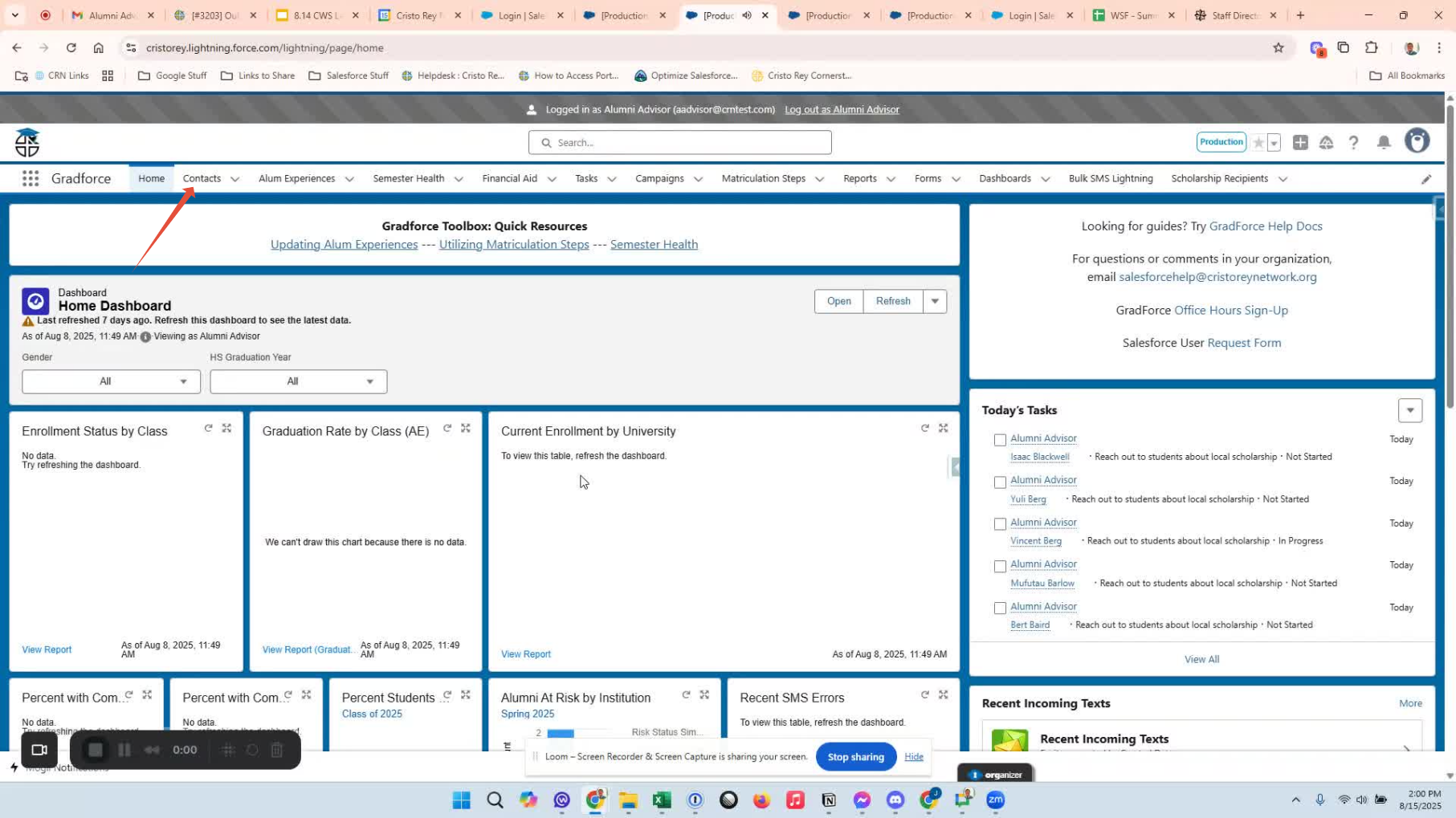
Open Gradforce.
Click on the Contacts tab in your Navigation Bar.
Step 2: Select the Class You Want to Update 0:17
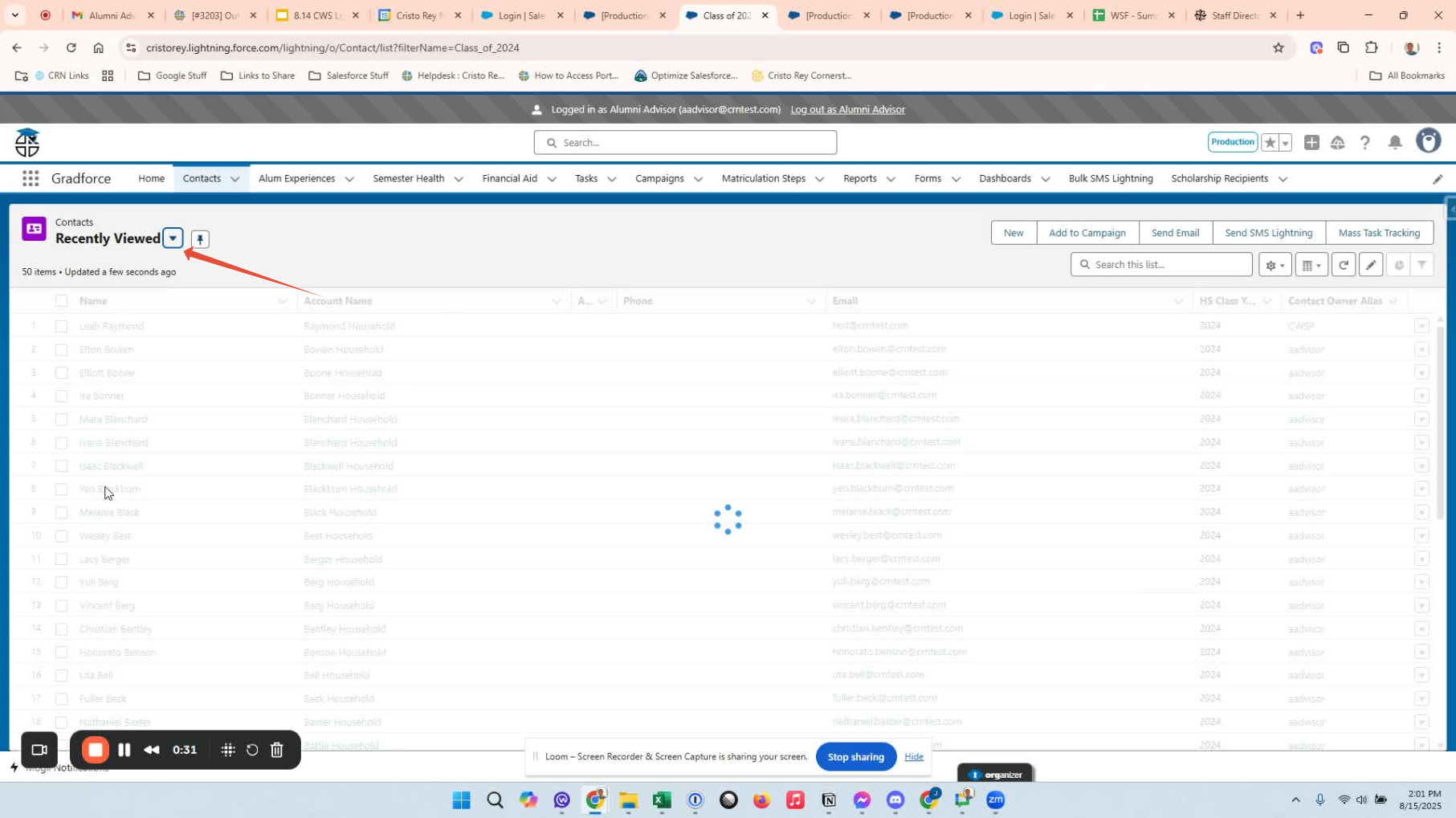
Choose the relevant list view for the class you'd like to update (e.g., Class of 2024).
Verify the current alumni advisor assigned to the students.
Step 3: Load Full Student List 0:32
Scroll down the list of students until all entries are loaded.
Ensure you reach the bottom of the list.
Step 4: Select All Students 0:48
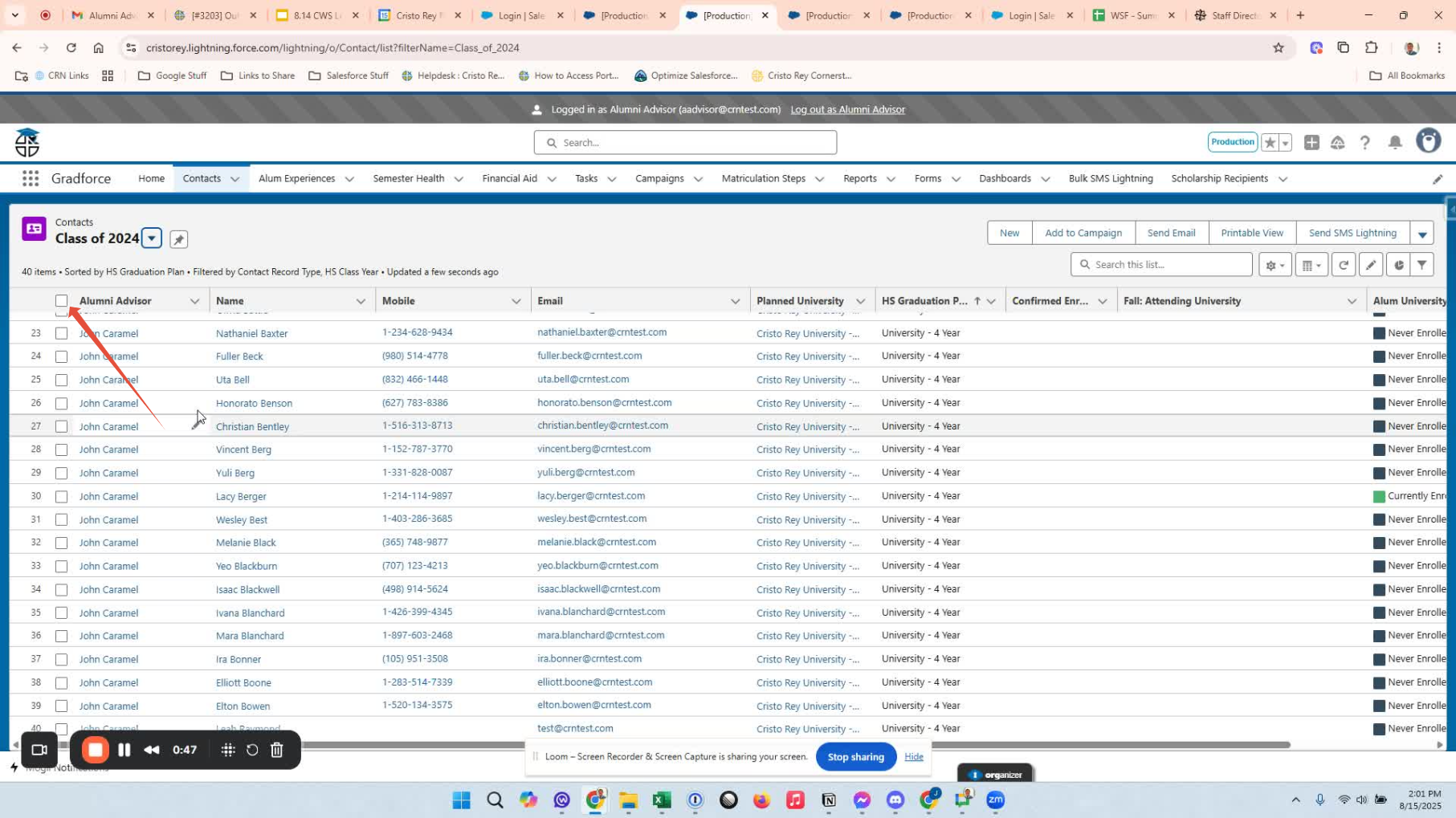
Click on the top left checkbox to select all students.
Step 5: Edit Alumni Advisor 0:58
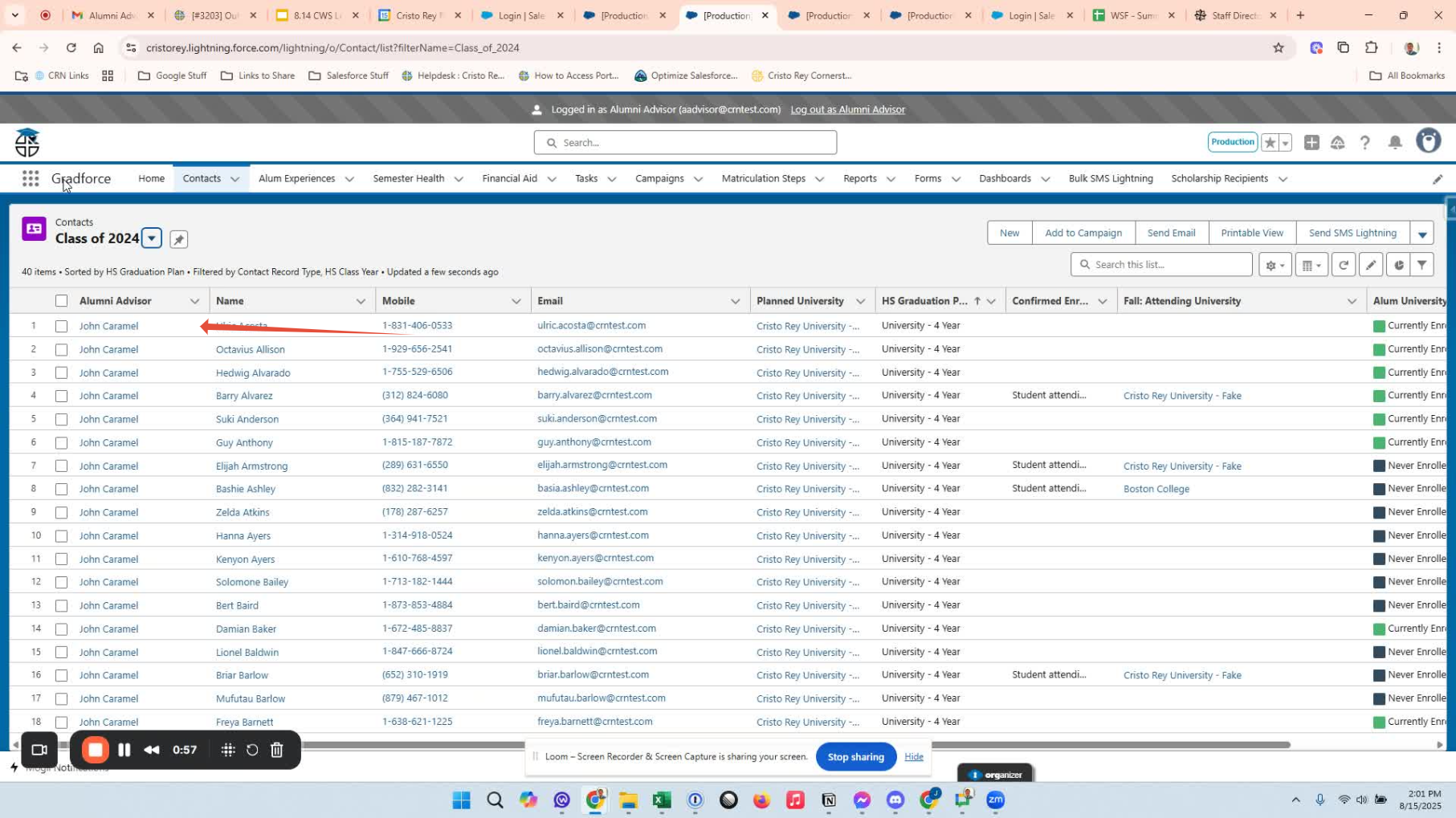
Locate the alumni advisor section.
Click on the edit pencil icon.
Search for the appropriate alumni advisor by typing their name or selecting from the list.
Step 6: Update and Apply Changes 1:14
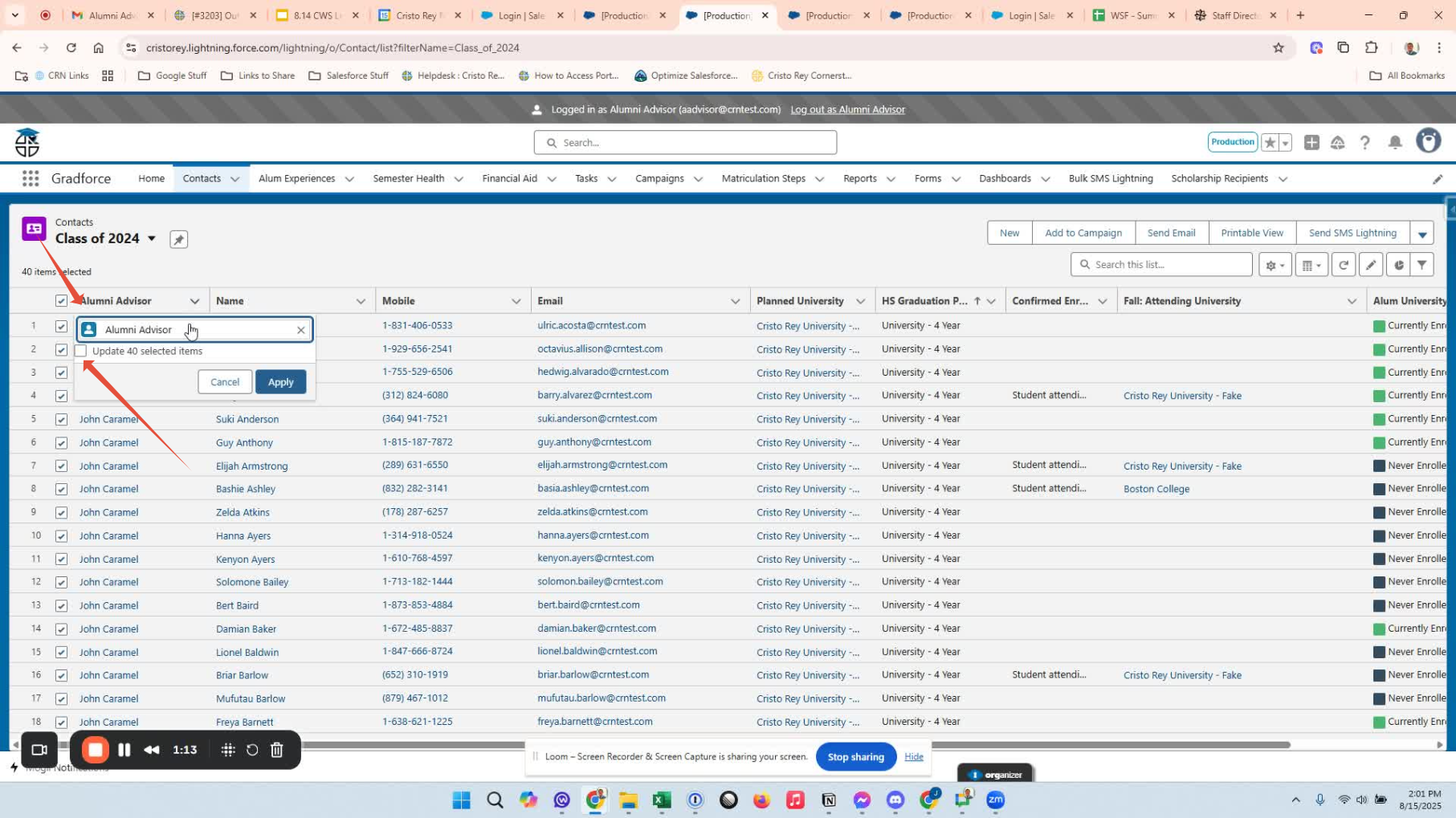
Click the 'Update All Selected' checkbox to ensure your edit is applied to all students.
Hit apply to confirm the changes.
Step 7: Save Changes 1:22
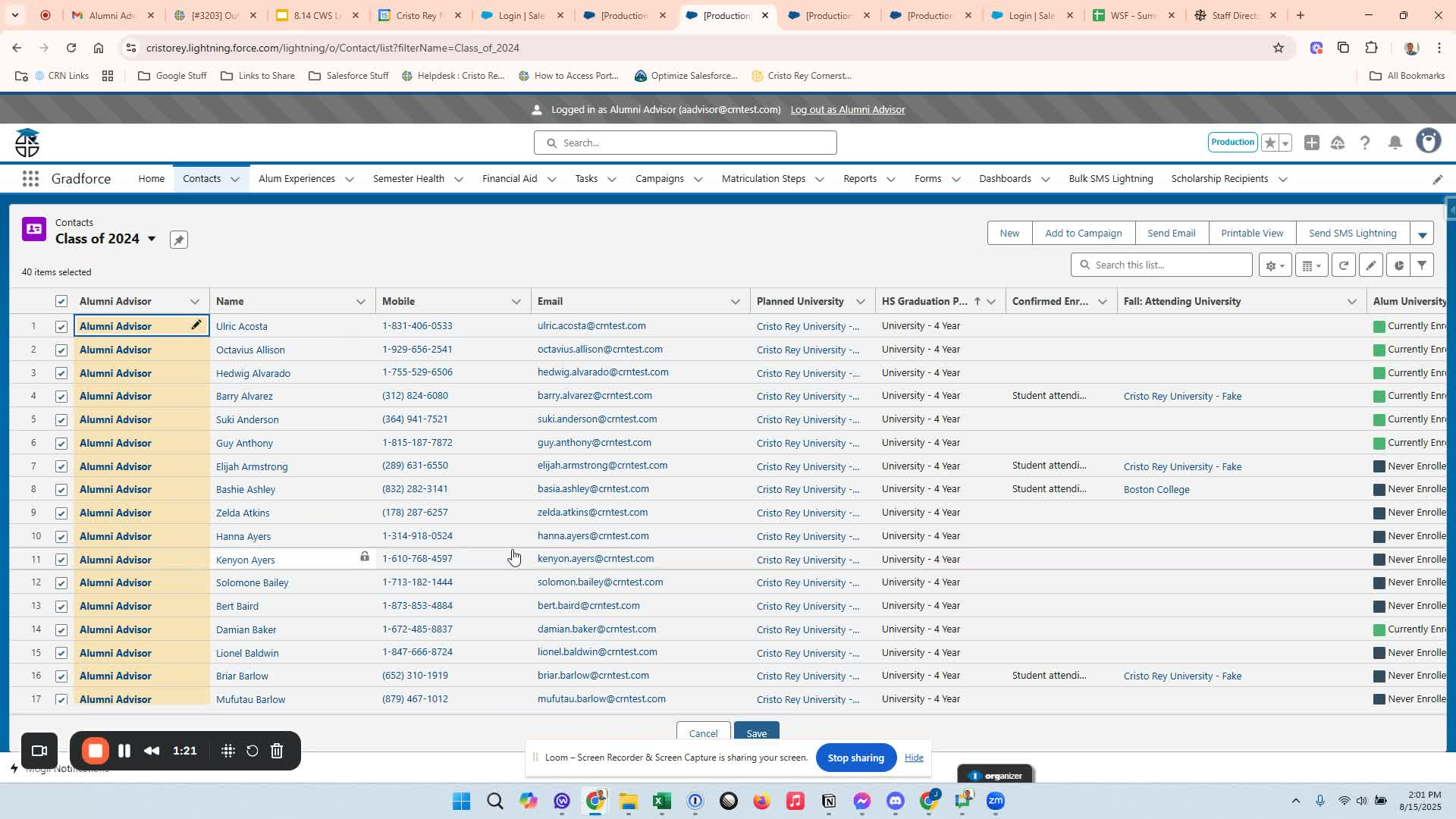
Scroll to the bottom of the page and click save.
Step 8: Selectively Reassign Advisors 1:30
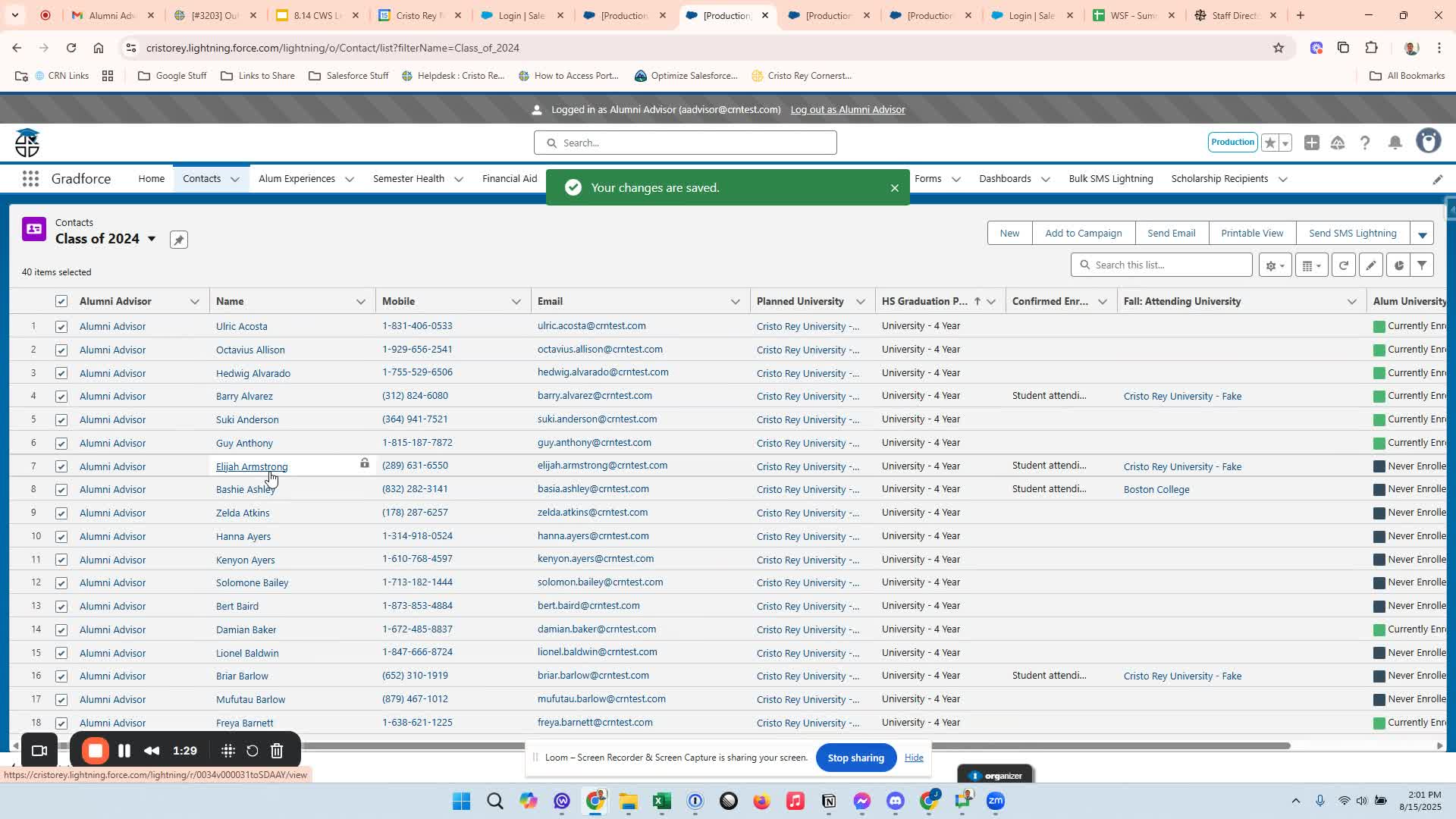
If applicable, you can choose to reassign advisors for only some students.
Review the list and select the alumni you are responsible for.
Step 9: Repeat for Other Classes 1:50
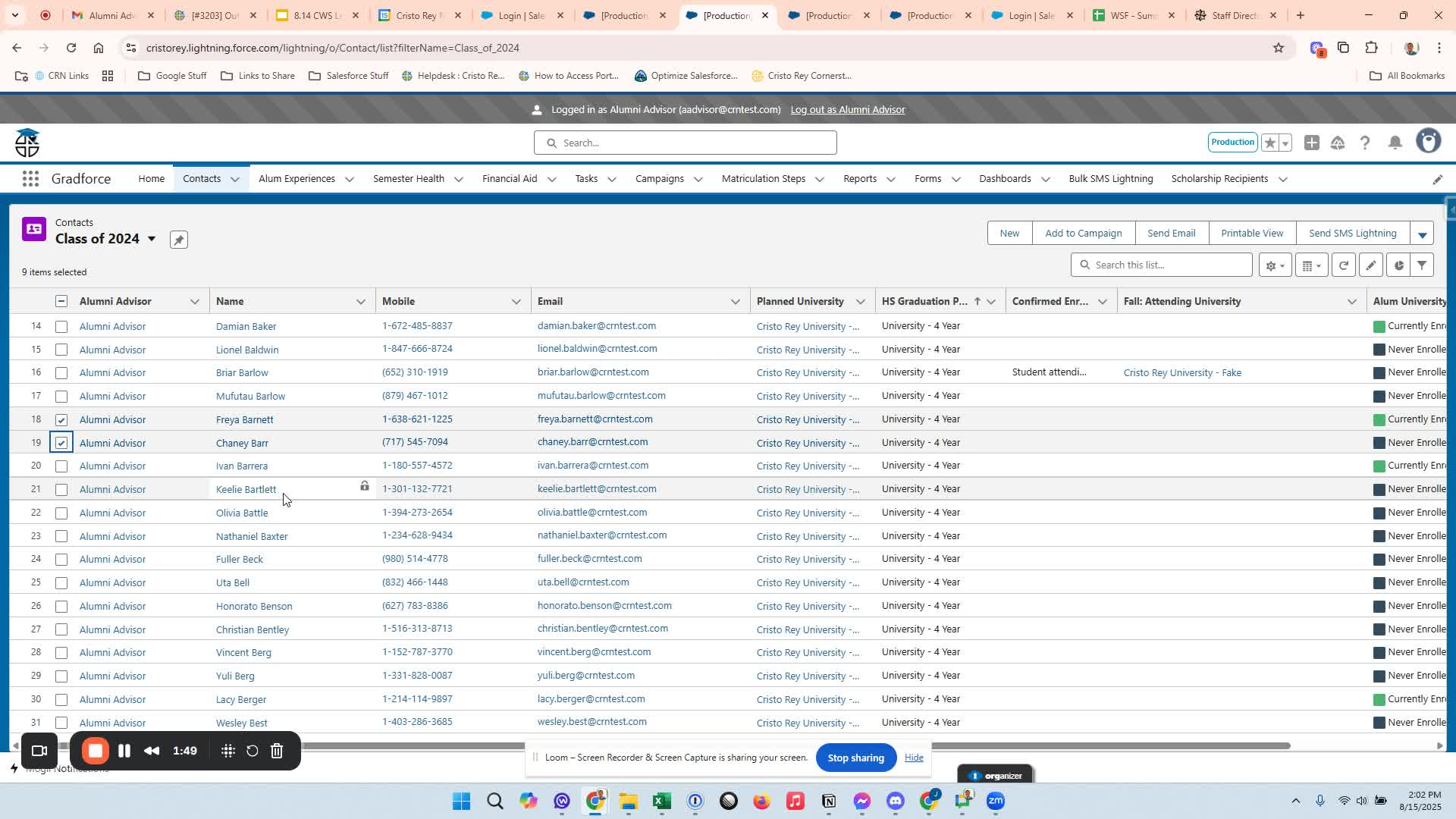
After completing the current class, repeat the process for all relevant classes.
Focus on rising freshmen and sophomores.
Please reach out if you have any questions!
Was this article helpful?
That’s Great!
Thank you for your feedback
Sorry! We couldn't be helpful
Thank you for your feedback
Feedback sent
We appreciate your effort and will try to fix the article